> ## Documentation Index
> Fetch the complete documentation index at: https://docs.ame.network/llms.txt
> Use this file to discover all available pages before exploring further.
# Ame Scan
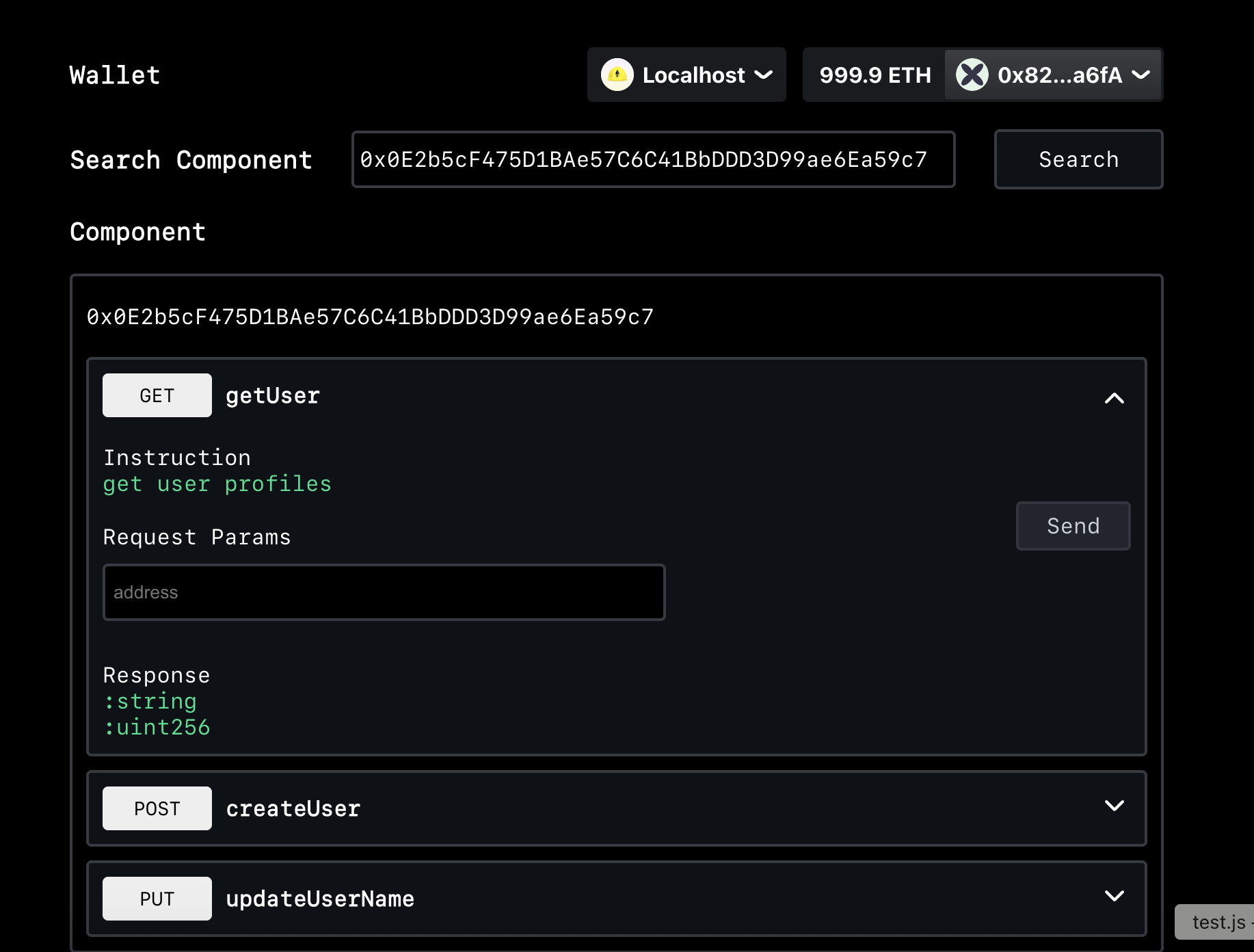
> ame scan tutorial
Ame Scan is used to view and interact with components on various networks
You can clone the [scan repository ](https://github.com/AmeNetwork/ame-scan)and start it locally or visit [https://scan.ame.network/](https://scan.ame.network/)
## How to use Scan
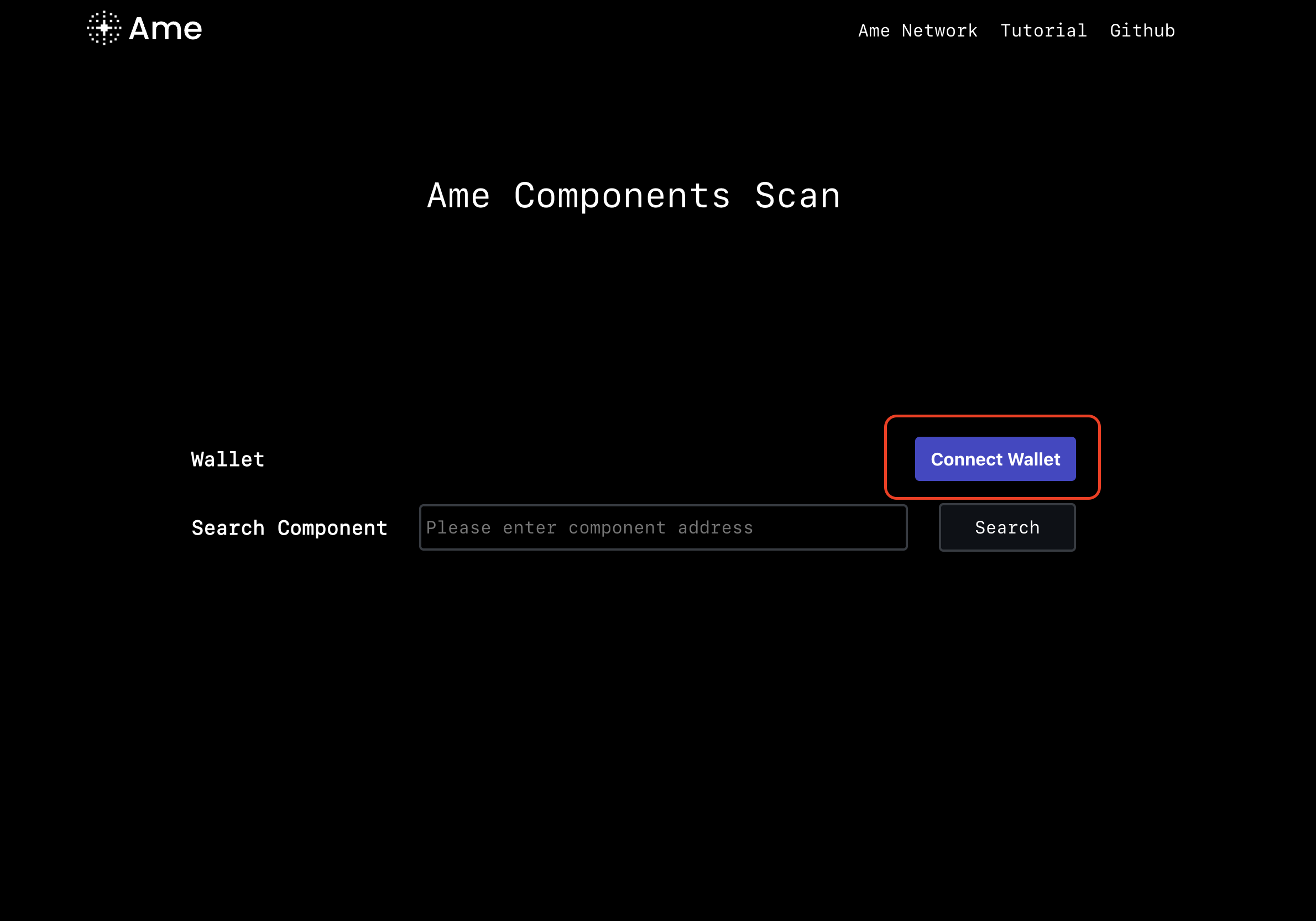
1. Connect your wallet
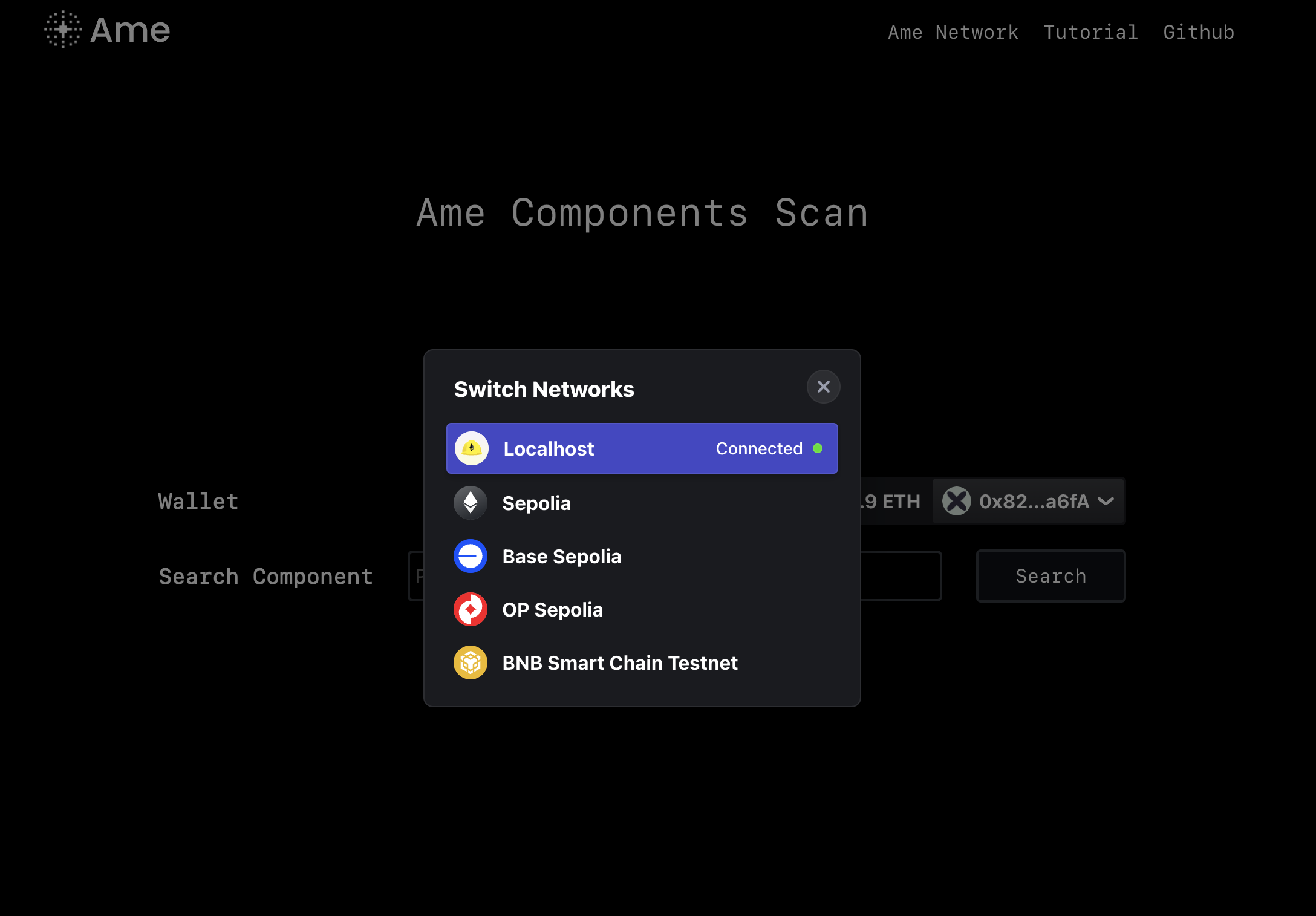
 2. Select the network you want to query
 3. Enter the component address you want to query
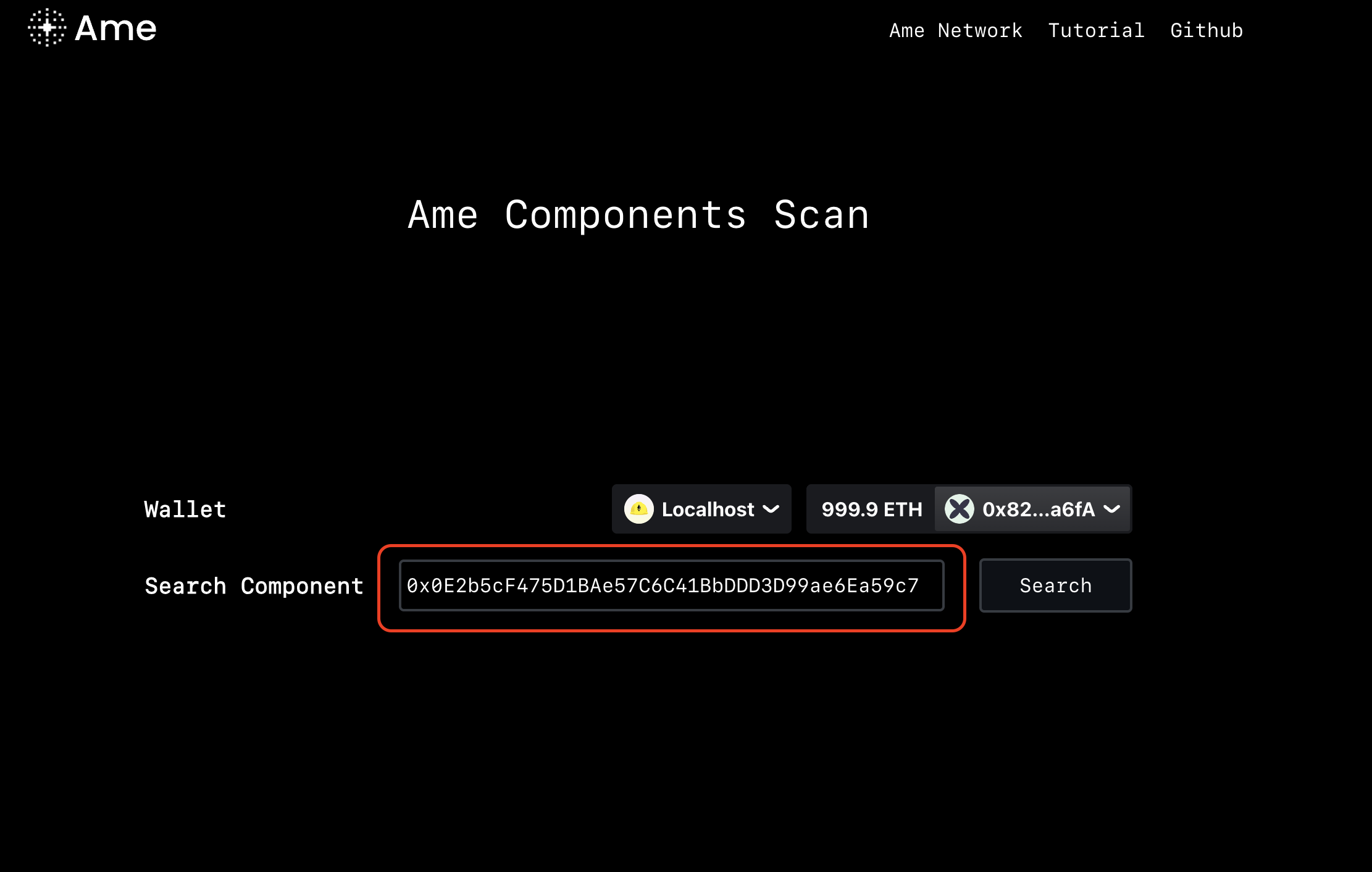 Here are some deployed component contracts that can be used to experience Scan
| Network | Address |
| ------------ | ------------------------------------------ |
| Sepolia | 0x0E2b5cF475D1BAe57C6C41BbDDD3D99ae6Ea59c7 |
| Base Sepolia | 0x088e7E9C66A9B78dd99c8ADd592224be4d1Bf7a2 |
| OP Sepolia | 0x0E2b5cF475D1BAe57C6C41BbDDD3D99ae6Ea59c7 |
| BNBTestnet | 0x0E2b5cF475D1BAe57C6C41BbDDD3D99ae6Ea59c7 |
4. Interacting with components
Here are some deployed component contracts that can be used to experience Scan
| Network | Address |
| ------------ | ------------------------------------------ |
| Sepolia | 0x0E2b5cF475D1BAe57C6C41BbDDD3D99ae6Ea59c7 |
| Base Sepolia | 0x088e7E9C66A9B78dd99c8ADd592224be4d1Bf7a2 |
| OP Sepolia | 0x0E2b5cF475D1BAe57C6C41BbDDD3D99ae6Ea59c7 |
| BNBTestnet | 0x0E2b5cF475D1BAe57C6C41BbDDD3D99ae6Ea59c7 |
4. Interacting with components